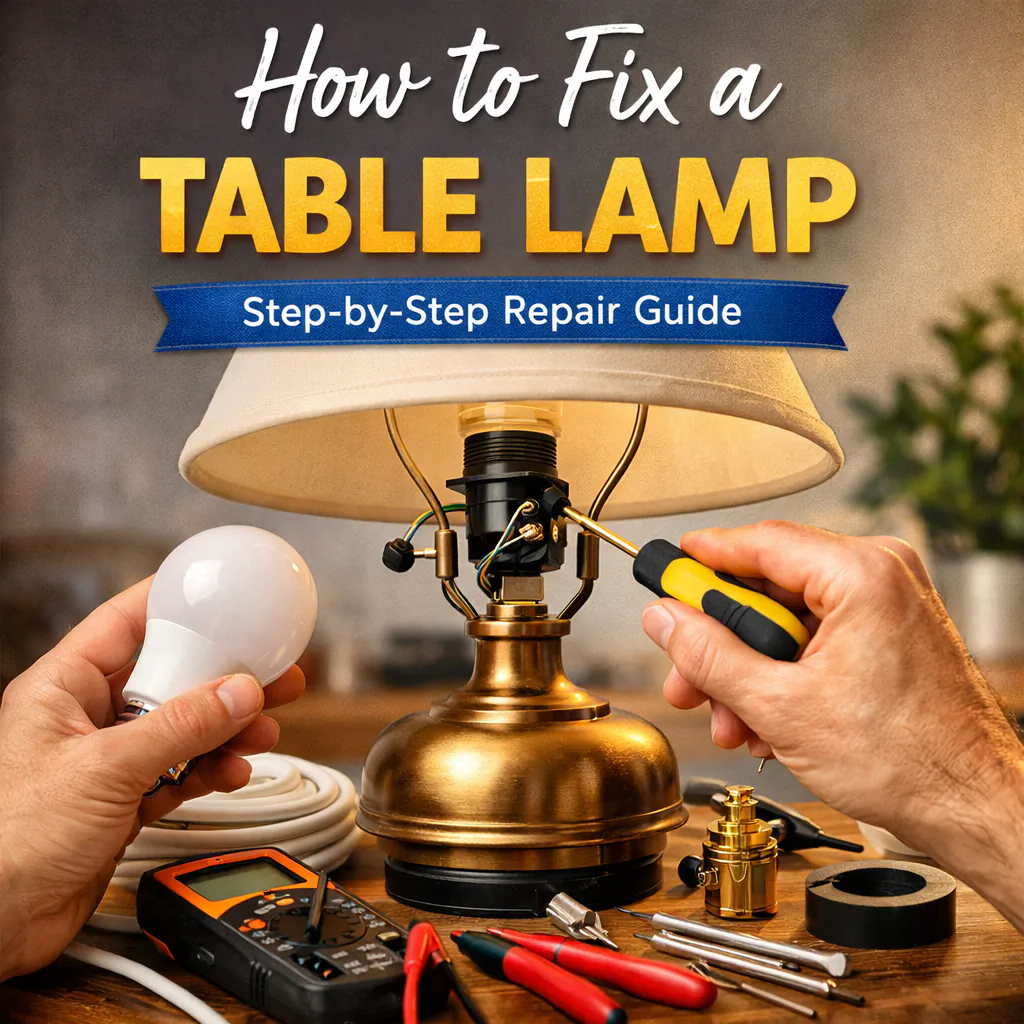
Fixing a Table Lamp: A Step-by-Step Guide
A broken table lamp can be frustrating, especially when it is your favorite one. However, fixing it is not difficult at all. This guide will help you understand how to fix your table lamp with easy instructions and simple tools. Whether it’s not turning on or flickering, you will learn how to solve these common problems.
Common Problems with Table Lamps
Before you start fixing the lamp, it is important to understand what might be wrong with it. Here are some common issues:
-
The Lamp Won’t Turn On: This could be due to a broken switch, faulty wiring, or a burnt-out bulb.
-
The Lamp Flickers: Flickering lights are often caused by a loose bulb, loose connection, or damaged cord.
-
The Lamp Gets Too Hot: If your lamp is getting too hot, there might be a problem with the bulb or the wiring.
-
The Lamp Switch Is Stuck: The switch may get stuck or stop working over time.
Don’t worry! We will go step by step through the possible fixes.
Tools You Will Need
Here are the basic tools you might need:
-
Screwdriver: A small screwdriver will help you open the lamp and fix the parts inside.
-
Replacement Bulb: Always have a new bulb of the correct type, in case the old one is burnt out.
-
Electrical Tape: This is useful for fixing any damaged wiring.
-
Multimeter: If you have one, it helps test electrical connections.
-
Replacement Switch: If the switch is broken, you will need a new one.
Step 1: Turn Off the Power
Safety is the most important thing when working with electrical devices. Make sure the lamp is turned off and unplugged from the power source before starting any repairs. This prevents any risk of electrical shock.
Step 2: Check the Bulb
The first thing to check is the bulb. Sometimes, the lamp might not be working simply because the bulb is burnt out. Here’s how to check:
-
Remove the Lamp Shade: If your lamp has a shade, gently remove it to access the bulb.
-
Check the Bulb: Look at the bulb. If it is broken or blackened, you will need to replace it with a new one.
-
Test the Bulb: If the bulb looks fine, try it in another lamp to make sure it is still working.
If the bulb is broken, simply screw in a new one of the correct wattage for your lamp. Make sure you choose a bulb that fits the lamp properly.
Step 3: Check the Cord and Plug
If the bulb is fine, but the lamp still isn’t working, the next thing to check is the power cord and plug. Sometimes, the cord can become frayed, damaged, or disconnected. Here’s what to do:
-
Inspect the Cord: Look closely at the cord for any signs of wear or damage. If the cord looks damaged, you will need to replace it.
-
Check the Plug: Make sure the plug is securely attached to the cord. If the plug is loose or broken, it may need to be replaced.
-
Test the Outlet: Plug the lamp into a different outlet to make sure the issue is not with the power source.
If you find any damage, you can either replace the cord or use electrical tape to temporarily fix small cuts. However, it is recommended to replace the cord completely if it is too damaged.
Step 4: Check the Switch
If the lamp still doesn’t work after checking the bulb and cord, the problem may be with the switch. The switch can sometimes get stuck or stop working. To check the switch:
-
Remove the Lamp Shade: If you haven’t done so already, remove the lamp shade to access the switch.
-
Inspect the Switch: Check if the switch is stuck or broken. Sometimes, dirt or dust can make the switch hard to move.
-
Test the Switch: Try turning the switch on and off several times. If it’s stuck, try gently moving it back and forth. If it doesn’t work, you may need to replace the switch.
Step 5: Replace the Switch
If the switch is broken, you can replace it with a new one. Here’s how:
-
Turn Off the Power: Always make sure the lamp is unplugged before working on the switch.
-
Remove the Old Switch: Use a screwdriver to remove the screws holding the old switch in place. Take note of how the wires are connected to the switch.
-
Install the New Switch: Attach the new switch in the same way the old one was attached. Make sure the wires are connected securely.
-
Test the Lamp: Once the new switch is in place, plug the lamp back in and test it to make sure it works.
Step 6: Check for Loose Connections
If your lamp is flickering, it might be caused by loose electrical connections inside the lamp. Here’s how to fix it:
-
Open the Lamp: Use a screwdriver to remove any screws holding the lamp together.
-
Inspect the Wires: Look for any loose wires inside the lamp. Gently press the wires back into place.
-
Use Electrical Tape: If you find any damaged wires, use electrical tape to wrap them and keep them safe.
-
Tighten Connections: If the lamp has a metal connection, make sure it is tightly screwed together.
Step 7: Check the Socket
The socket is the part where the bulb screws in. If the socket is damaged, the lamp may not work properly. Here’s how to check:
-
Turn Off the Power: Always unplug the lamp before inspecting the socket.
-
Inspect the Socket: Look inside the socket for any visible damage or signs of burning. If the socket is damaged, you may need to replace it.
-
Test the Socket: If the socket is not damaged, use a multimeter to test if there is electricity flowing through the socket when the switch is turned on.
Step 8: Fixing a Lamp That Gets Too Hot
If your lamp is getting too hot, there may be an issue with the bulb or wiring. Here’s what to do:
-
Use the Correct Bulb: Make sure you are using the right wattage of bulb for your lamp. Using a bulb with a wattage that is too high can cause the lamp to overheat.
-
Check the Wiring: If the lamp’s wiring is old or damaged, it may be causing the lamp to overheat. Consider replacing the wiring if necessary.
-
Replace the Socket: If the socket is damaged, it can cause overheating. Make sure the socket is in good condition.
Step 9: Reassemble the Lamp
After you have fixed the problem, it’s time to put everything back together. Here’s how:
-
Reattach the Socket: If you removed the socket, carefully reattach it to the lamp’s base.
-
Secure the Lamp Shade: If you removed the lamp shade, put it back in place.
-
Tighten Screws: Make sure all screws are tightened securely.
-
Test the Lamp: Plug the lamp back in and turn it on to make sure everything is working.
Step 10: When to Call a Professional
If you have followed all of these steps and the lamp still isn’t working, it might be time to call a professional electrician. Sometimes, the issue could be more complex than what can be fixed at home. If you feel unsure about any part of the repair, don’t hesitate to ask for help from a professional.
Conclusion
Fixing a table lamp is not as difficult as it may seem. By following these simple steps, you can save money and bring your favorite lamp back to life. Remember to always prioritize safety by turning off the power before starting repairs. If you are not comfortable with electrical work, don’t hesitate to ask for help from a professional. With patience and the right tools, you can fix almost any problem with your table lamp.